 CFI Endorse Log
Features
Everything a CFI needs to keep a record they actually own.
The complete endorsement catalog
Log any endorsement from the current AC 61-65 — all 96 across 17 categories — with the FAA's sample text shown as you log it. Hide the categories you don't teach, and see a recommended list for each student based on what they're working toward.
Endorsement stickers
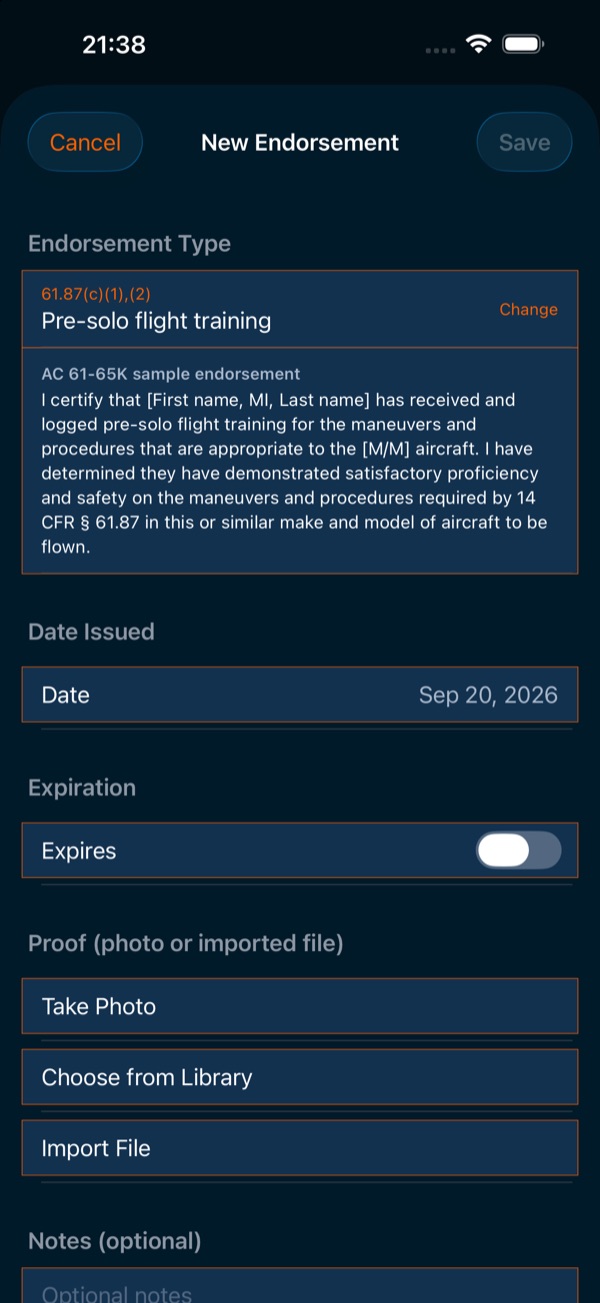
With Pro, tap Print Sticker and the FAA's wording is filled in with your student's name, your name and your certificate number. Print on a 4" x 2" label printer or an Avery 5163 sheet, stick it in the logbook, and sign. The endorsement is saved for you.
Save the aircraft you teach in under My Aircraft to fill them in with one tap. Airport blanks suggest airport codes as you type, and private fields you print (like TX12) are saved to My Airports. After printing, the record shows Needs Signed Photo until you add a photo of the signed sticker, with a reminder the next morning.
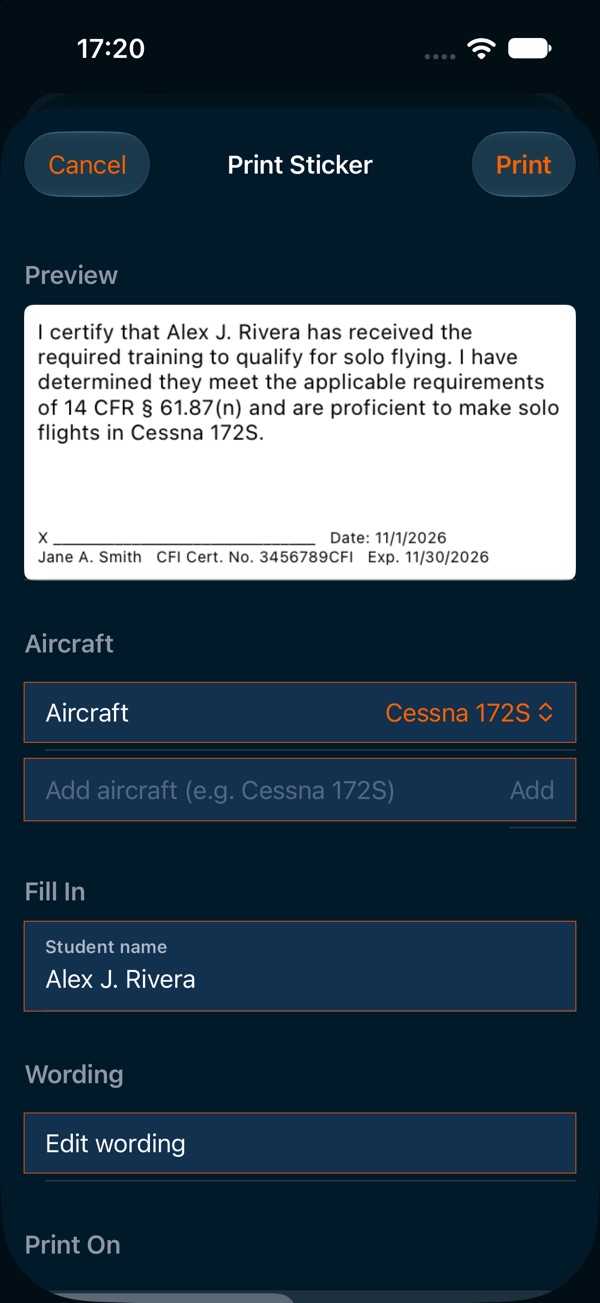
Photo proof
Attach a photo of the logbook entry to every endorsement. Built-in crop and perspective correction turn a quick phone photo into a clean, readable record.
Expiration tracking
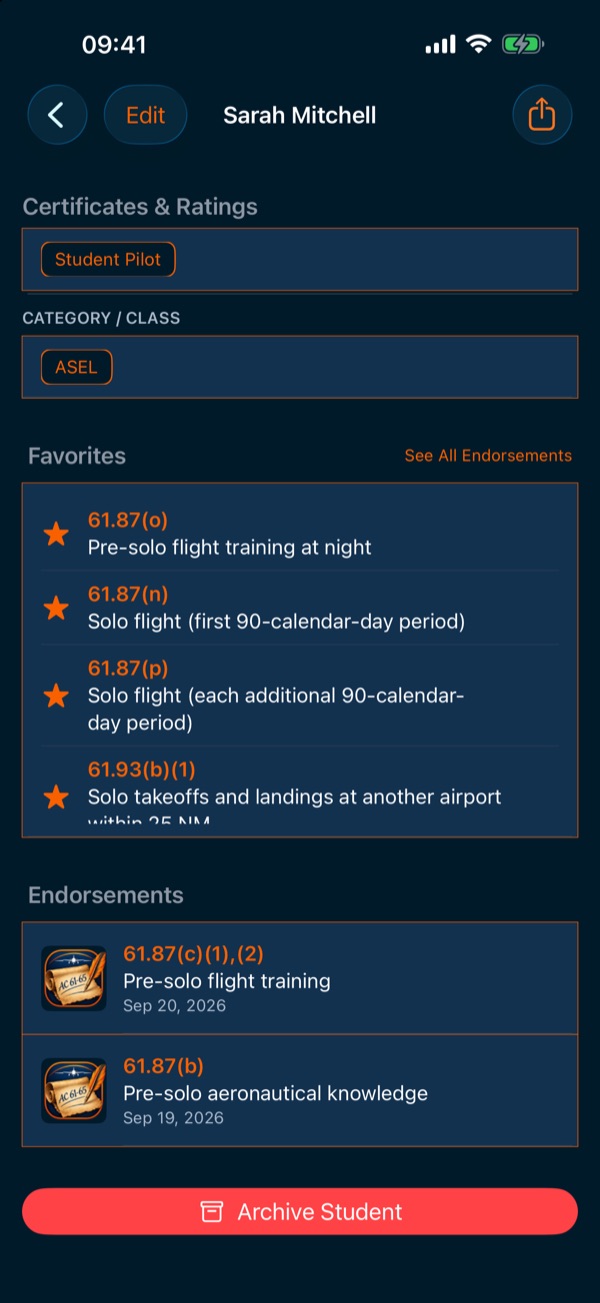
Time-limited endorsements (pre-solo night, student solo, SFAR 73 and more) get a suggested expiration date automatically, and anything expiring soon shows on your Dashboard.
REED tracking and Find a FIRC
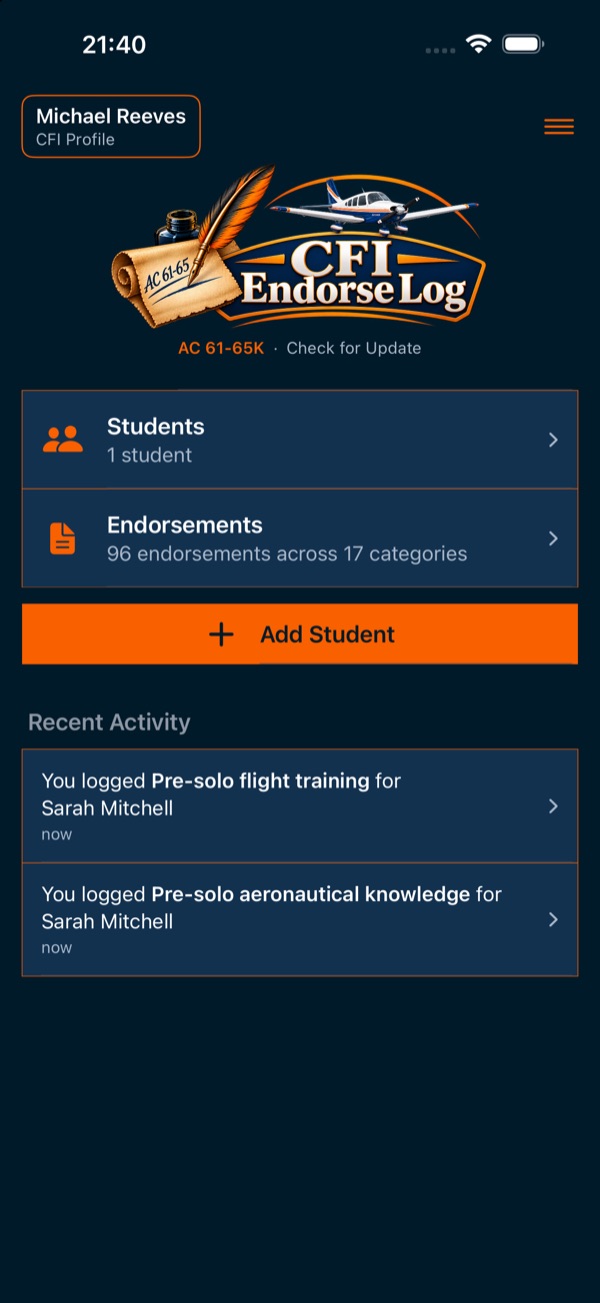
CFI certificates no longer expire — your privileges run to your Recent Experience End Date (REED). Track it in your CFI Profile and get a Dashboard reminder 3 months out. With Pro, log your FIRC or other renewal and the app works out your next REED, keeping your anniversary when you renew early. Find a FIRC lists FAA-approved refresher courses with sign-up links.
Backups you control
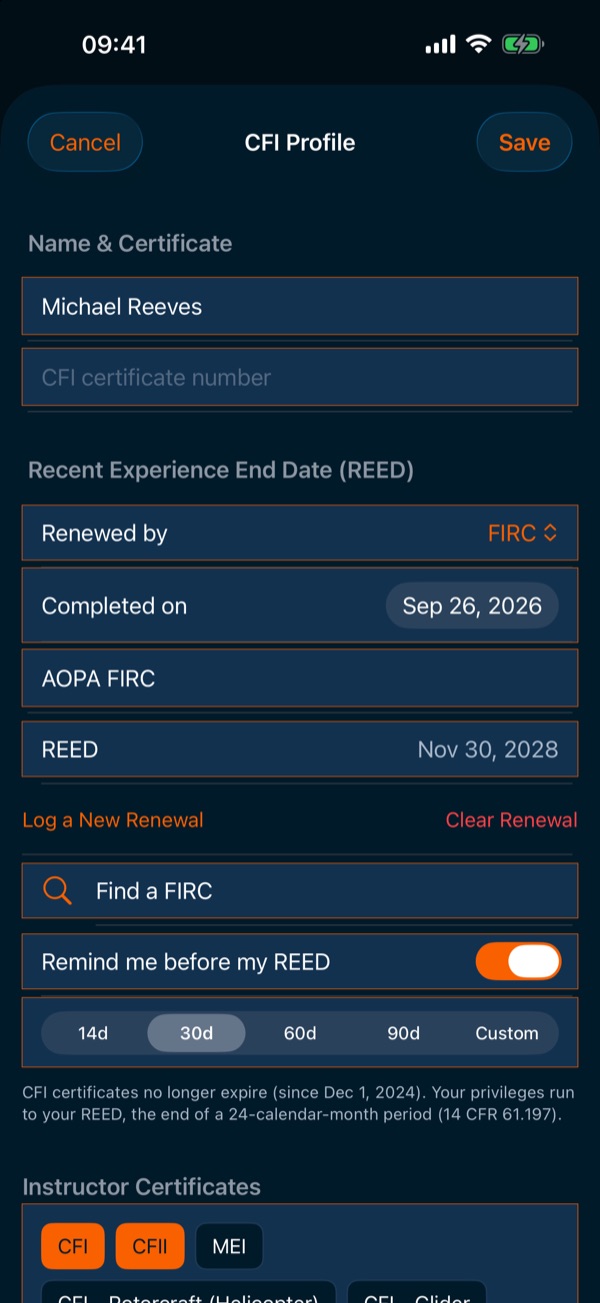
Export a full backup — every student, endorsement and photo — anytime, and restore it on a new phone. With Pro, Automatic Backup saves a copy about once a day to a Files folder or a connected Dropbox account.
iCloud Sync and App Lock
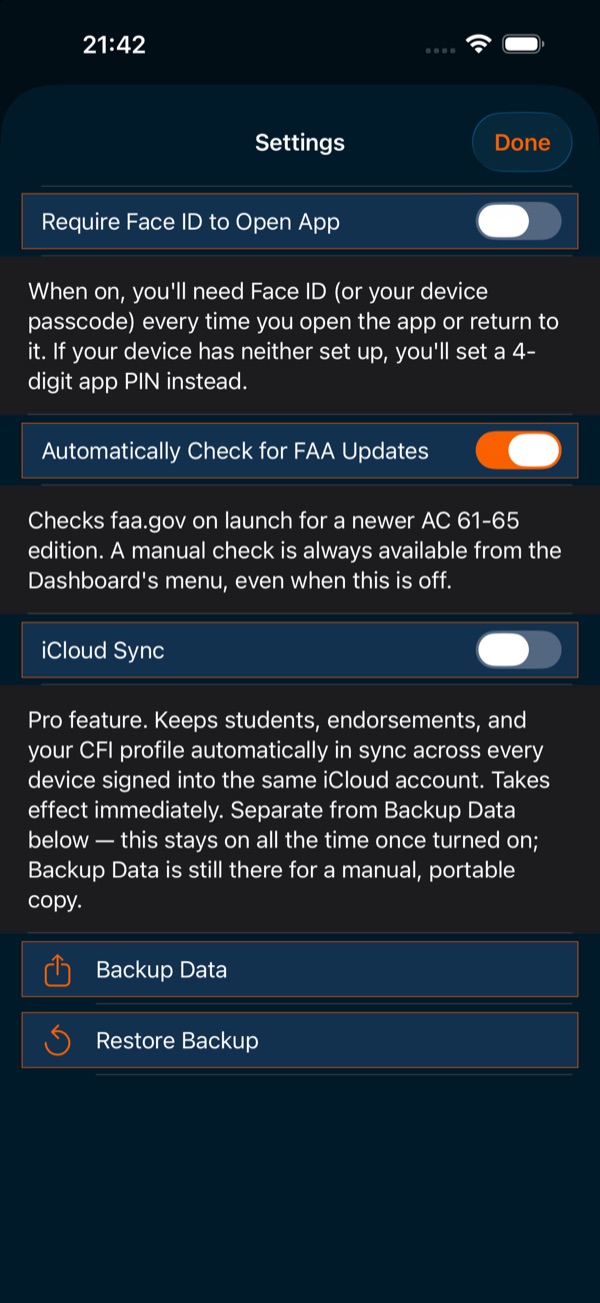
Pro keeps your records in sync across your own devices through your iCloud account. Protect your students' records with Face ID, your passcode, or a PIN.
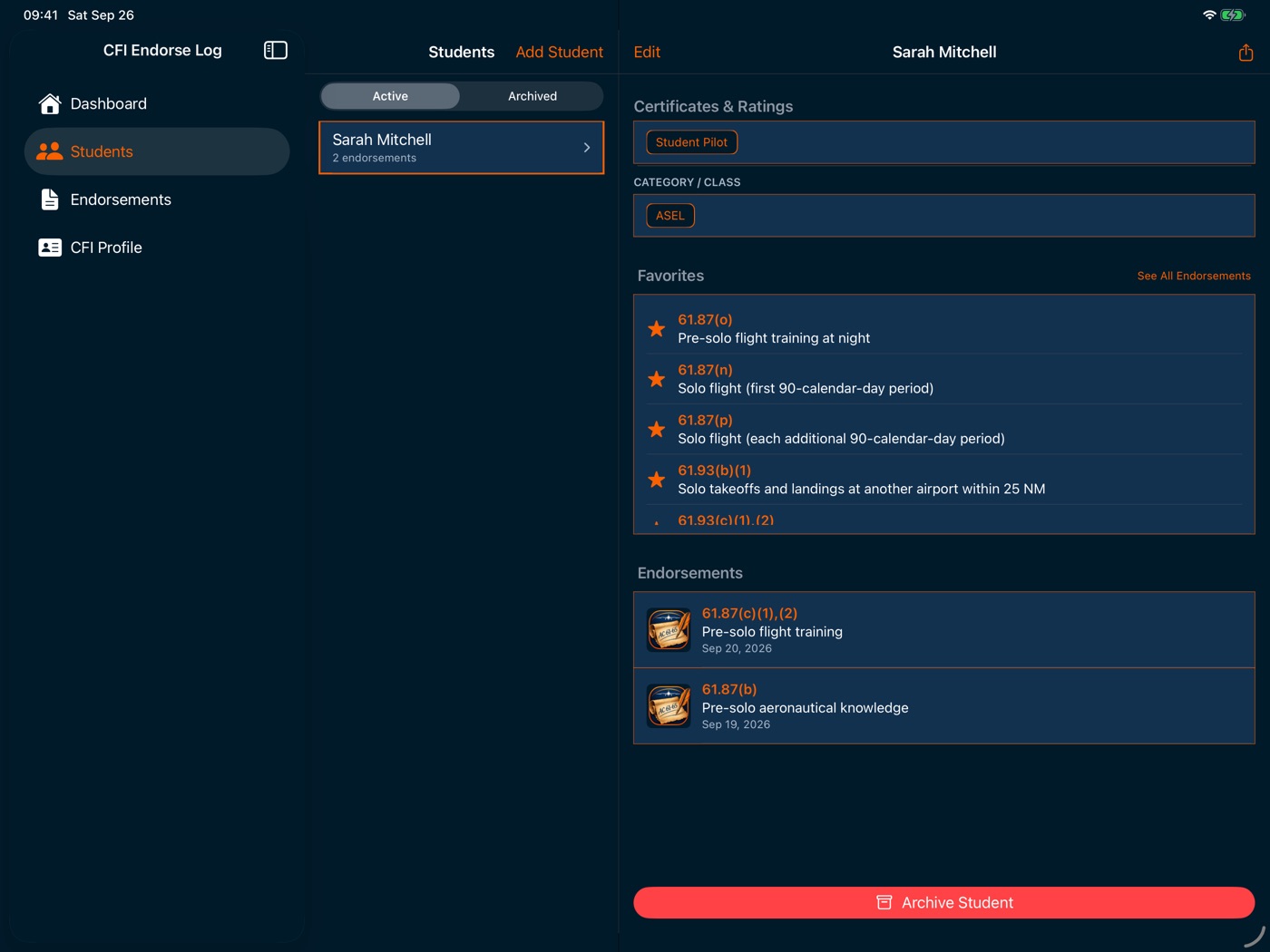
Made for iPad too
On iPad, a sidebar, your student list and each student's record sit side by side, in portrait or landscape.